









































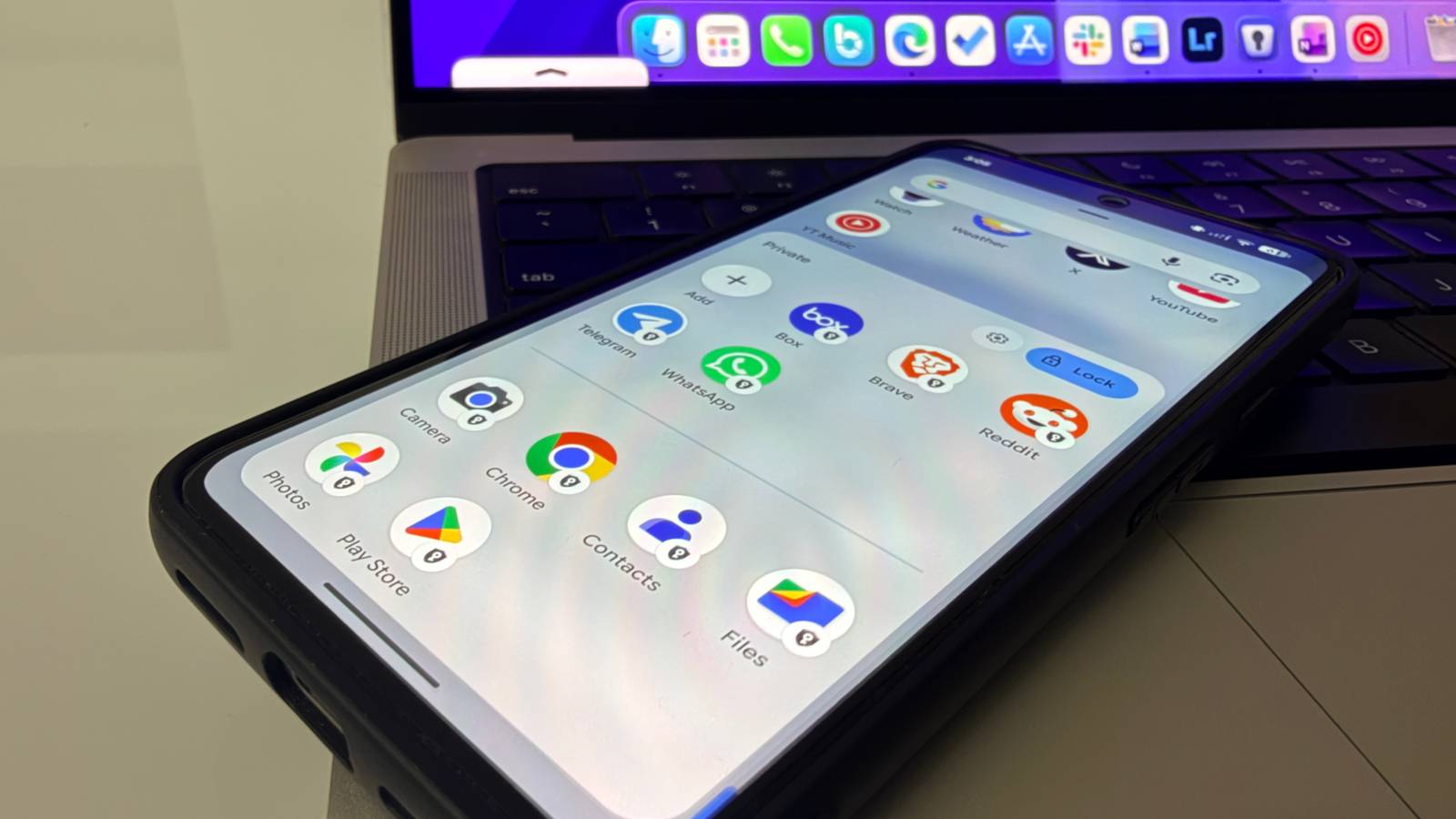
During Google’s annual Pixel keynote, attention often veers towards impressive AI demonstrations and advanced camera features. However, some users find the most significant enhancement lies in a feature that may appear mundane: Private Space. Tucked away within Android settings, this digital vault offers more than mere app concealment; it serves as a secondary, sandboxed operating system, fundamentally reshaping how users manage their digital interactions.
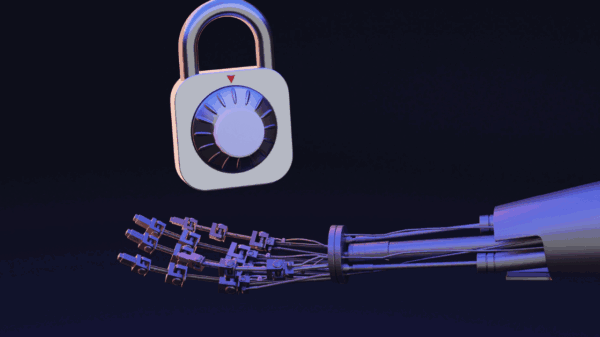
Technologically, Private Space operates by utilizing Android’s multi-user framework. Unlike traditional Work profiles, controlled by corporate IT departments, this feature is fully user-governed. It establishes a distinct segment of storage where apps and data remain isolated from the main operating system. When Private Space is locked, apps within it are suspended, ensuring they do not consume RAM or battery, while also eliminating the risk of sensitive notifications leaking into the primary user interface.
Notably, Private Space provides its own instance of the Google Play Store, allowing users to sign in with a different Google account. This means that data such as YouTube history, Google Maps locations, and Chrome sync settings remain compartmentalized. For those who download banking applications within this space, their primary Google account remains completely oblivious, enhancing privacy and security.
Users can also obscure the entry point to Private Space entirely, making it visible only through a specific search term. This feature essentially transforms how individuals interact with their devices, making it possible to compartmentalize professional and leisure activities. For instance, one user reported relocating all leisure apps like Instagram and casual games into Private Space, effectively rendering them invisible during working hours.
Private Space has proven especially beneficial for professionals who manage sensitive documents and embargoed information. Utilizing this feature to create a ‘Professional Vault’ allows users to segregate their work-related apps from personal ones, thereby reinforcing productivity. The dedicated Chrome instance within Private Space also permits users to conduct research without contaminating their primary search algorithms, ensuring personal recommendations remain relevant and enjoyable.
However, users considering implementing Private Space should heed some practical recommendations. It is advisable not to use the main Google account within this feature to prevent cross-contamination of search histories and recommendations. Moreover, while the default PIN setup suggests using the same as the primary device, employing a distinct PIN or biometric unlock method adds an extra layer of security against unauthorized access.
Despite its advantages, Private Space is not without limitations. While Google has made significant strides with this feature, it still trails behind competitors like Samsung’s Secure Folder, which benefits from a decade of refinement. One significant drawback is the inability to customize Private Space, making it less adaptable than some might prefer. Users can only add an app icon with a generic logo, and sending media or large files from the primary profile to Private Space is not an option. Moreover, a simple search for the term ‘private’ reveals the space in the app drawer, undermining its concealment purpose.
As Google continues to develop its Pixel line, the importance of features like Private Space becomes increasingly evident. While it may not capture the spotlight during flashy product launches, for users seeking to enhance productivity and manage their devices more efficiently, it represents a meaningful upgrade. Emphasizing functionality over aesthetics, Private Space has the potential to significantly improve the user experience for those balancing professional and personal responsibilities, thereby fostering a more organized digital environment.
See also AI in eLearning Market to Reach $12.2B by 2033, Driven by Personalized Learning Tools
 Duolingo CEO Luis von Ahn Reverses AI Performance Evaluation Amid Employee Backlash
 Ultrahuman Launches AI Health Platform Jade with New Ring PRO for Enhanced Tracking
 Skoove Launches Lifetime Piano Lessons Subscription for $150, Down from $300