































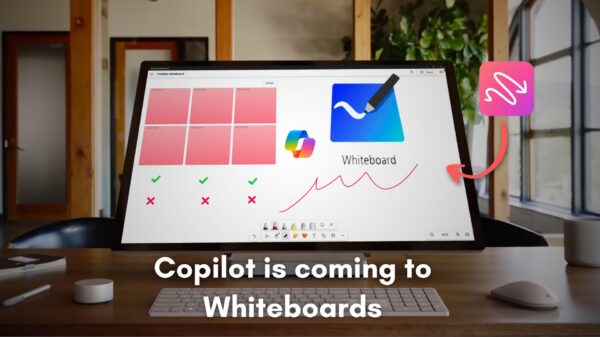



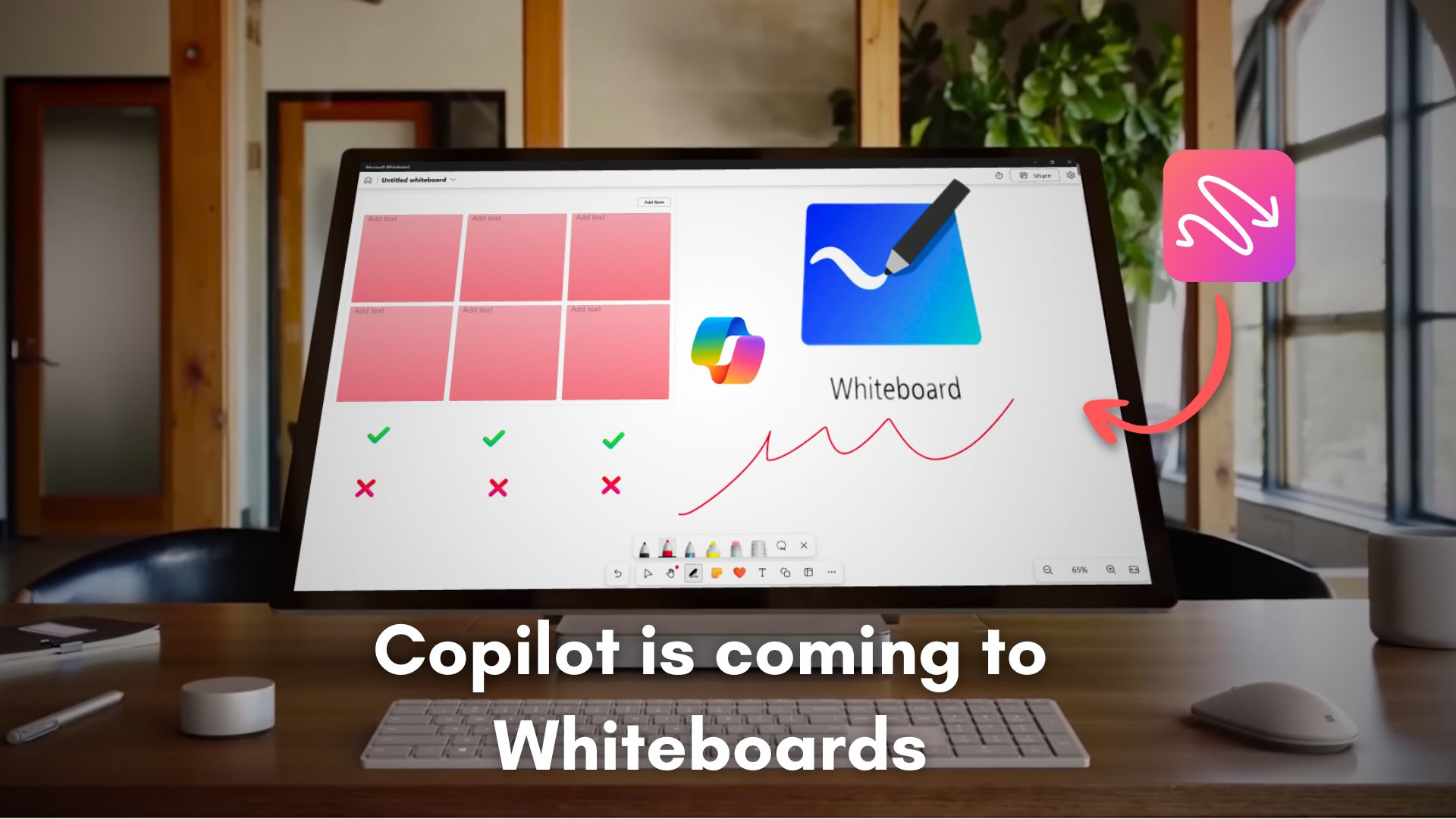
Microsoft is reportedly developing a new canvas-style workspace called Copilot Canvas, designed to enhance collaboration through AI-powered features. Leaked screenshots reveal the application, internally referred to as “Project Firenze,” aims to function as a full-fledged whiteboard, similar to the existing Microsoft Whiteboard app, but with advanced capabilities driven by artificial intelligence.
The interface suggests a web-based environment where users can create and manage digital canvases, draw using ink tools, and arrange content in a freeform layout. The landing screen prompts users to “Create your first canvas to start drawing and taking notes,” indicating a user-friendly approach. Like its predecessor, the app is expected to automatically save work, ensuring no data loss during collaborative sessions.
While Microsoft Whiteboard continues to be a functional collaborative tool, there is uncertainty about whether Copilot Canvas will replace it or serve as an enhancement. Current developments indicate that Copilot Canvas is in active testing, as evidenced by references to multiple Azure endpoints and a generic logo that may not reflect the final branding.
As an AI-driven platform, Copilot Canvas is poised to differentiate itself from Microsoft Whiteboard. Features like “Create with AI Streaming” suggest that the application may support real-time generative responses as users create content, enabling dynamic brainstorming sessions. This could allow for diagrams, layouts, or visual elements to be generated incrementally, acting almost like a collaborative assistant updating the board in real-time.
Additionally, the application appears to include an Image Model Selector with options for various generative models, facilitating multimodal generation directly within the workspace. Such features could enhance collaborative efforts during meetings, as the app may automatically analyze the content of a canvas to generate meaningful titles, optimizing workflow efficiency.
Further enhancing its capabilities, Copilot Canvas includes extensive AI configuration options under Developer Mode, such as Debug Gates, AI Gates, and Meeting Summaries. These features suggest a sophisticated system designed to interpret intent, summarize discussions, and trigger follow-up actions, potentially transforming how teams interact with digital content.
Moreover, the presence of toggles for Microsoft 365 data and web search capabilities indicates that the canvas may seamlessly integrate with organizational data, enriching the collaborative process by bringing relevant information directly into the workspace. This could empower teams to sketch, draft documents, generate images, and summarize discussions—all in one place, thereby streamlining operations.
The potential for Copilot Canvas to serve as a visual workspace aligns with current trends in canvas-style applications like Notion, Miro, and FigJam. However, Microsoft’s unique access to enterprise environments could position Copilot Canvas to leverage AI in ways that enhance productivity and creativity for business teams. Document sharing might also be simplified with options to export and import .canvas files, making collaboration more versatile.
Despite these advancements, the initiative appears to be in its early stages, with various developer toggles and feature gates indicating ongoing testing rather than readiness for a public rollout. Microsoft has yet to disclose any formal plans regarding the future of Microsoft Whiteboard or the broader roadmap for Copilot Canvas.
As Microsoft navigates this new terrain, the prospect of integrating AI more deeply into collaborative environments presents exciting opportunities. If successfully implemented, Copilot Canvas could redefine how teams engage in brainstorming and project management, potentially enriching the collaborative landscape for digital workspaces.
See also Sam Altman Praises ChatGPT for Improved Em Dash Handling
 AI Country Song Fails to Top Billboard Chart Amid Viral Buzz
 GPT-5.1 and Claude 4.5 Sonnet Personality Showdown: A Comprehensive Test
 Rethink Your Presentations with OnlyOffice: A Free PowerPoint Alternative
 OpenAI Enhances ChatGPT with Em-Dash Personalization Feature