



















































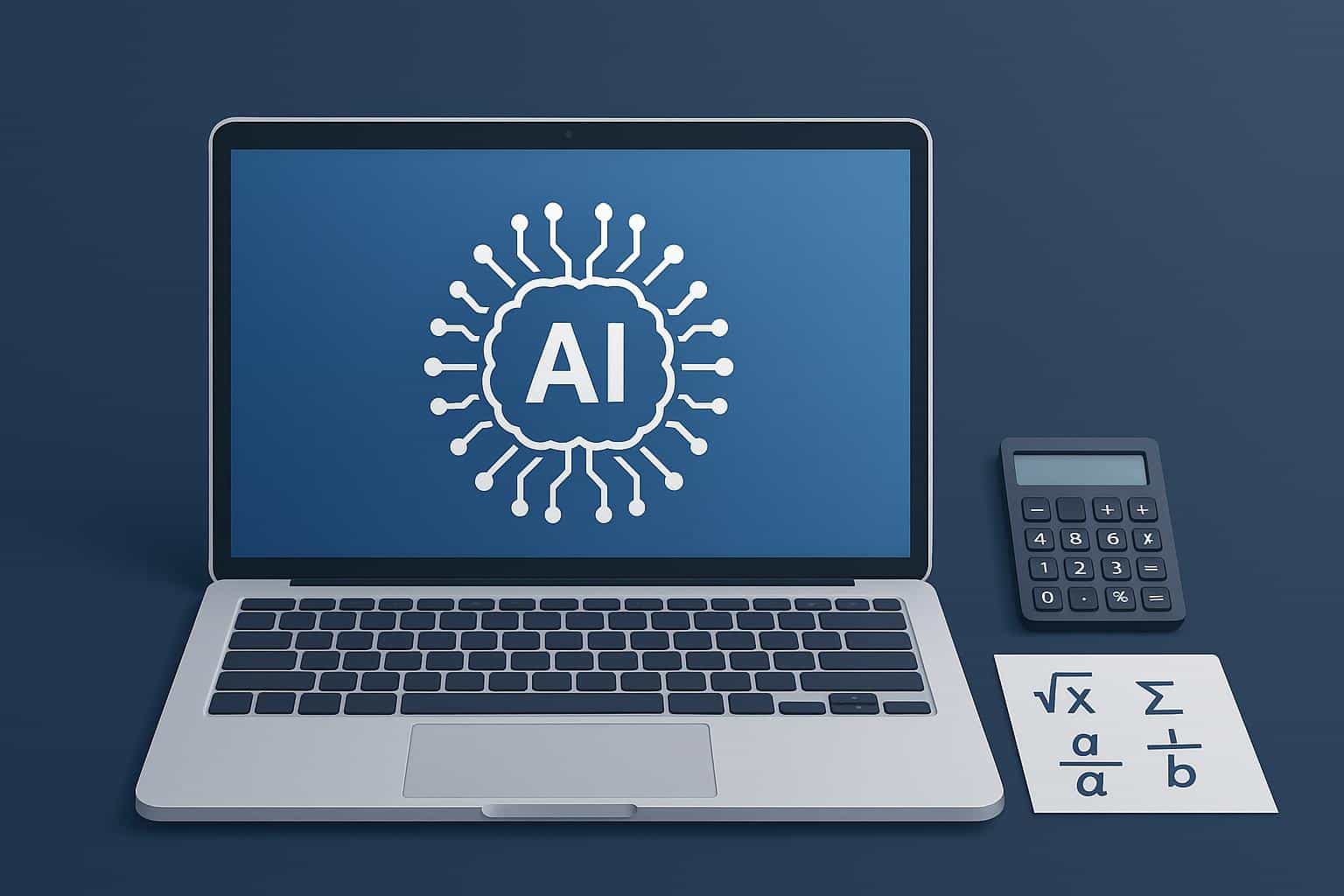
As artificial intelligence continues to shape the landscape of productivity tools, Mac users are finding significant advantages in leveraging AI for complex calculations. With the robust capabilities of Apple Silicon and the integration of AI tools into macOS, users can automate tedious workflows, enhance accuracy, and streamline analysis—whether they are students tackling advanced math problems or professionals engaged in detailed engineering tasks.
The efficiency of Mac hardware, particularly with Apple Silicon, allows for rapid execution of AI features. Built-in intelligence in macOS enhances the compatibility of AI tools with existing applications and Shortcuts, making it simple to utilize AI without the need for additional devices. Standalone AI assistants and third-party applications also bring an array of functionalities to the Mac platform, ranging from quick equation solving to comprehensive statistical analyses. This trend is underscored by surveys indicating a marked increase in organizational AI adoption, suggesting that these tools are becoming entrenched in daily workflows across various sectors.
Among the core benefits of AI on Macs are the capabilities to automate complex calculations, which alleviates the burden of manual entry at each step. This automation not only enhances computational accuracy but also integrates seamlessly with macOS tools such as Shortcuts and Spotlight, enabling one-click operations. Professionals report that using AI significantly reduces the likelihood of manual errors, particularly in lengthy formulas and datasets. The time savings in modeling, simulation, and engineering computations are evident, as users increasingly rely on AI for coding and problem-solving tasks.
For those exploring AI tools on Macs, a variety of applications and assistants are available. Desktop and web-based symbolic and numeric engines, such as Math AI Extensions, provide solutions for algebra and calculus, and some even allow users to scan problems directly from images for instant resolution. Spreadsheet-powered AI add-ins can generate formulas, run regressions, and elucidate results, while native Mac applications harness on-device models for local analyses. This versatility makes it easier for users to implement AI in their daily tasks.
AI is deeply integrated into macOS features, allowing users to access intelligence from various entry points, including Shortcuts and the Services menu. The Apple Intelligence framework enhances app connectivity to on-device models, simplifying the incorporation of mathematical and analytical functions into Mac applications. Recent macOS versions have made many intelligence features readily accessible, enabling users to take advantage of AI capabilities without the need for extensive installations.
Practical applications of AI on Macs span a wide range of tasks. For instance, students can paste problems into an AI assistant for step-by-step solutions, which can validate homework or confirm unit conversions. In professional settings, engineers can script simulations in Python and utilize AI to check boundary conditions and summarize outputs, dramatically cutting down the time spent on manual scripting and debugging. This dual use reinforces the utility of AI in both academic and professional environments.
Despite the numerous advantages of AI tools, it is crucial to approach them with caution. Users are advised to verify critical numbers through independent methods and treat AI as a supplementary assistant rather than a definitive authority, especially in high-stakes situations such as engineering specifications or legal computations. This verification process ensures accuracy and reliability, maintaining the integrity of results derived from AI assistance.
For sensitive tasks, opting for on-device AI solutions or applications that guarantee no data uploads is advisable. Apple’s commitment to privacy, coupled with certain third-party applications offering local processing, allows users to maintain confidentiality while enjoying the benefits of AI.
In summary, the integration of AI tools on Macs empowers users to work more efficiently by automating complex calculations and minimizing manual errors. Those interested in adopting AI should begin with simple tasks, such as checking calculations or generating formulas, and gradually incorporate more complex workflows. This strategic approach promises to yield clearer outcomes, fewer mistakes, and ultimately, more time for innovative problem-solving.
See also Grotto AI Secures $10 Million Seed Funding to Combat $500 Billion Vacancy Revenue Loss
 Top AI Graphic Design Tools for 2026: Enhance Branding and Boost Efficiency
 AI Tools Aim to Reduce Permit Approval Times by 70% in Vancouver Real Estate
 Top 10 AI Tools for Teachers in 2026: Boost Productivity and Enhance Learning
 Judge Rules AI-Generated Documents Lack Attorney-Client Privilege in Heppner Case